
Manufacturing Productivity Hub — Guided Learning
| Getting Started |
PowerMill Migration |
Import Review |
Fusion Library |
Configuration | Community | Support |
← Previous |
Community · 6.1 Your Community Profile |
Next → |
Approximately 2 minutes
Your Community Profile holds your Community Name, Role, and Beta Contribution. No account, no password.
Open the Community section from the sidebar, then the Profile page. Your profile is the single home for your community identity, and it’s where you join the Community: choose a Community Name and select Join the Community (use Edit to change it later). There’s no password to manage. Choosing a name is optional, but a Community Name is required to post, reply, and be recognized in Discussions.
- Community Name is how you appear to others in the Community.
- Role identifies your standing within the Community and is shown beside your name in Discussions. Roles include Member, Contributor (earned through submitted ratings), and Mentor.
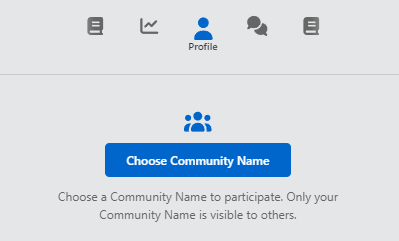
MPH community profile.
Continue to Ratings and Beta Contribution.
|
|