
Manufacturing Productivity Hub — Guided Learning
| Getting Started |
PowerMill Migration |
Import Review |
Fusion Library |
Configuration | Community | Support |
← Previous |
Getting Started · 1.3 First Launch and Community Setup |
Next → |
Approximately 2 minutes
On first launch, accept the agreement to start using MPH; later, joining the Community is optional.
The first time you open MPH, you accept a short agreement to start using it. It takes only a moment.
Accept the agreement
Before you can use MPH, review and accept the License & Service Agreement and Privacy Statement. This is a one-time step and needs an internet connection the first time. MPH then creates a private account for you automatically, tied to your Fusion sign-in; there’s no password to manage.
Once you’ve accepted, MPH is ready to use. Joining the Community is optional and can be enabled later, from Your Community Profile, where you choose a Community Name to take part in Discussions.
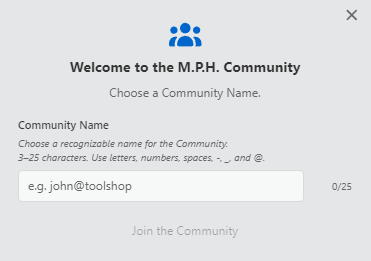
MPH welcome page.
Continue to The MPH Workspace.